
Linux & Shell
CLI, servers and Bash scripting

Belagavi · Karnataka
Rated 4.8 stars on Google
Go from beginner to industry-ready with hands-on training in Linux, Git, Docker, Kubernetes, AWS, Terraform and CI/CD pipelines. Learn to containerise applications, automate deployments, provision cloud infrastructure and complete practical projects using industry-relevant tools.
Ask about fees, batch timings and eligibility for DevOps Engineering. Prefer to talk now? Call +91 9108101795.
What You'll Learn
Get hands-on experience with Linux, Docker, Kubernetes, AWS, Terraform and 10+ tools used in modern DevOps and cloud engineering.
CLI, servers and Bash scripting

Config for Compose, Kubernetes and CI

Version control and collaboration

Containers and images

Container orchestration

CI/CD pipelines as code

Cloud infrastructure

Infrastructure as code

Configuration management
Course Curriculum
Explore the complete week-by-week syllabus, from Linux, Git and Docker to Kubernetes, AWS, Terraform and CI/CD pipelines.
You are reading
Linux fundamentals and shell scripting
8 weeks · opens as you scroll
Phase 1 · Weeks 1–3Foundations: Linux, Git and Docker
Master the Linux command line: navigation, file operations, permissions, processes and package management, text processing with grep, sed and awk, SSH, and Bash scripts with variables, conditionals, loops and functions.
Tools: Linux, Bash, grep, sed, awk, SSH, systemctl
Learn the everyday Git workflow, branching, merging and conflict resolution, then collaborate on GitHub with pull requests, reviews, issues and branch protection. Finish with YAML, the format used across Compose, Kubernetes, Ansible and Actions.
Tools: Git, GitHub, YAML
Understand containers and Docker architecture, build images with Dockerfiles and multi-stage builds, work with volumes and networking, orchestrate multi-container apps with Compose and meet CI/CD through GitHub Actions.
Tools: Docker, Docker Hub, Docker Compose, GitHub Actions
Phase 2 · Weeks 4–5CI/CD and Kubernetes
Build GitHub Actions pipelines with secrets, matrix builds and automated image publishing, then learn Kubernetes architecture, kubectl and Minikube, Pods, ReplicaSets, Deployments, Services, ConfigMaps and Secrets.
Tools: GitHub Actions, Kubernetes, kubectl, Minikube
Scale workloads, run rolling updates and rollbacks, add health probes, Ingress and Helm. Then start AWS: cloud fundamentals, IAM, EC2 and security groups, and VPC networking.
Tools: Kubernetes, Helm, AWS IAM, EC2, VPC
Phase 3 · Weeks 6–8Cloud, infrastructure as code and automation
Go deeper into AWS with S3, the AWS CLI, CloudWatch, load balancing and auto scaling, Route 53, RDS, ECR, EKS and Lambda. Then begin Terraform: the plan and apply workflow, HCL, providers, resources, variables and outputs.
Tools: AWS S3, CloudWatch, EKS, Terraform, HCL
Manage Terraform state and locking and build reusable modules that provision AWS end to end. Then use Ansible for idempotent configuration: inventory, playbooks, variables, Jinja2 templates, handlers and roles.
Tools: Terraform modules, Ansible, Jinja2
Set up Jenkins with pipelines as code, Git integration, webhooks, credentials and agents, then connect every tool into an end-to-end workflow in a full CI/CD capstone project.
Tools: Jenkins, Jenkinsfile, CI/CD
Practical Learning
Explore the practical projects included in our curriculum, designed to help you apply Docker, Kubernetes, AWS, Terraform and CI/CD skills to real-world delivery problems.

Write a Dockerfile for a web application, then wire up a GitHub Actions workflow that builds, tests, and pushes the image to a registry on every commit.

Provision AWS infrastructure with Terraform, then deploy a containerised app to a Kubernetes cluster using Deployments, Services, and ConfigMaps.

Connect Git, Docker, and Jenkins into a full pipeline that builds, tests, and deploys an application automatically from commit through to production.
The pictures illustrate each brief and are not student work.
Global Learning & Certifications
Access free courses, industry-recognised skill badges, professional certificates and real-world job simulations from 13 global learning platforms, complementing the technology programs offered at BIFT.











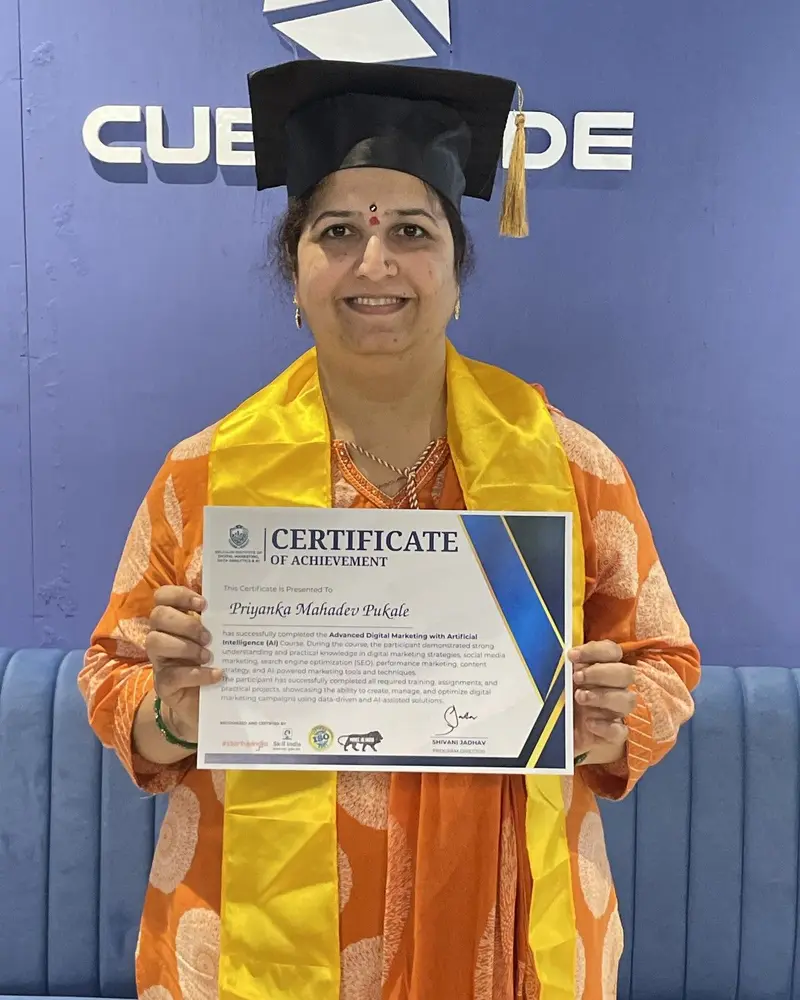
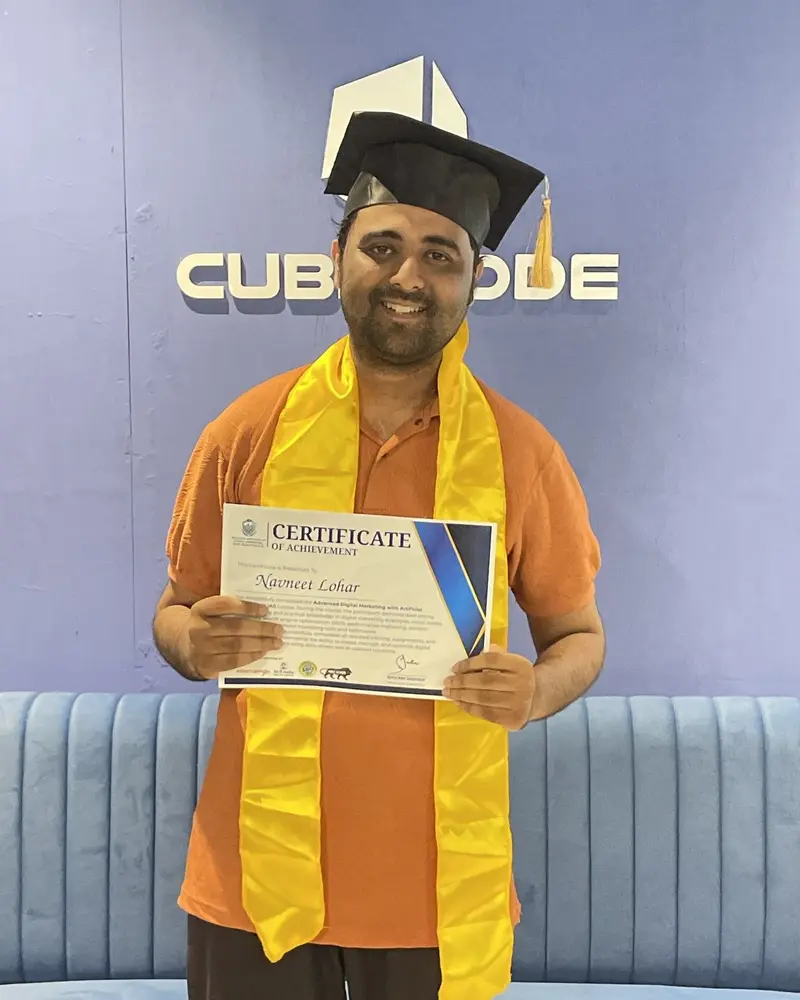
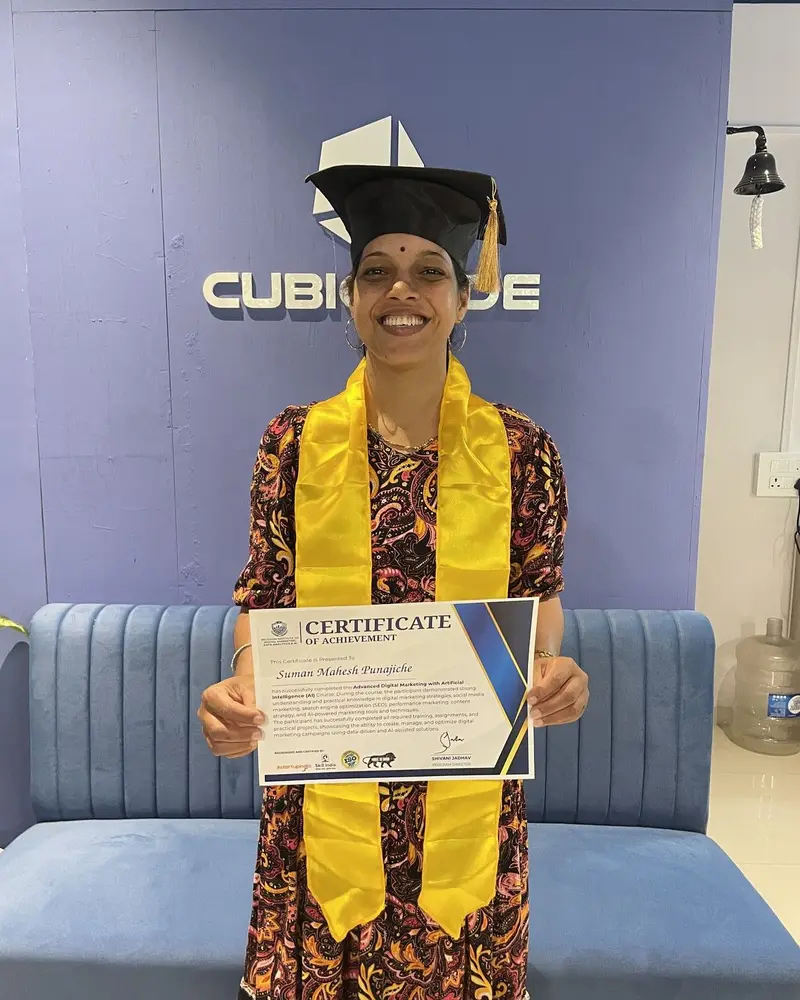
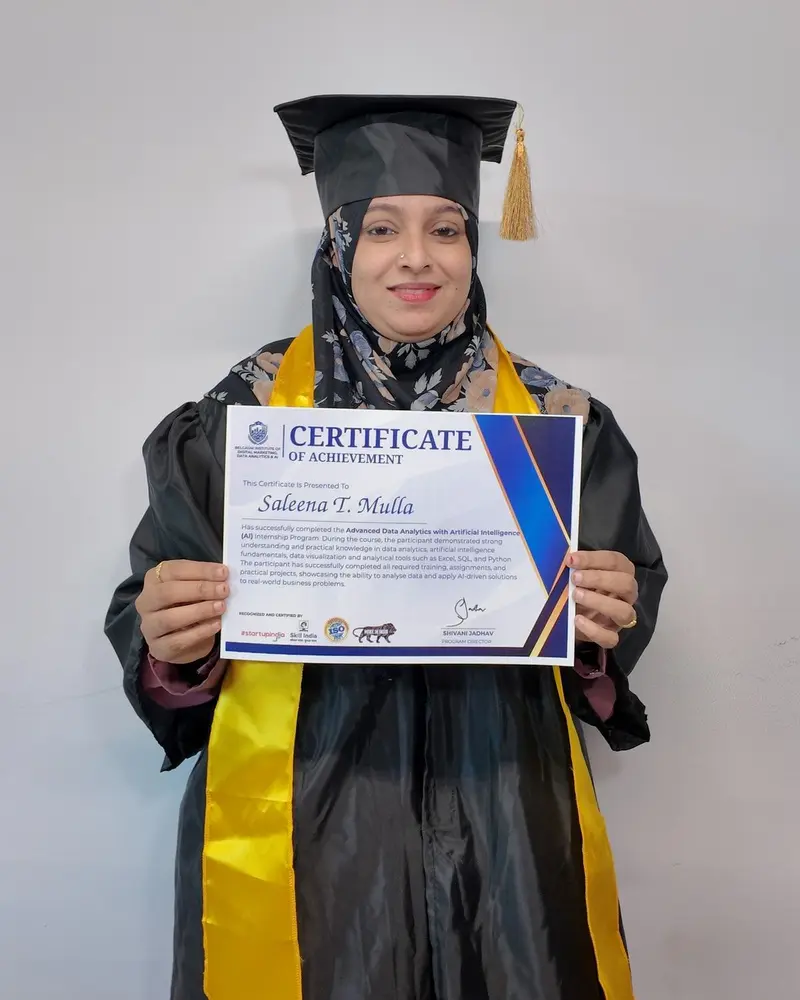
Celebrating Student Success
A celebration of our students' hard work, skills acquired and milestones achieved as they complete their technology training programs and receive their certificates.
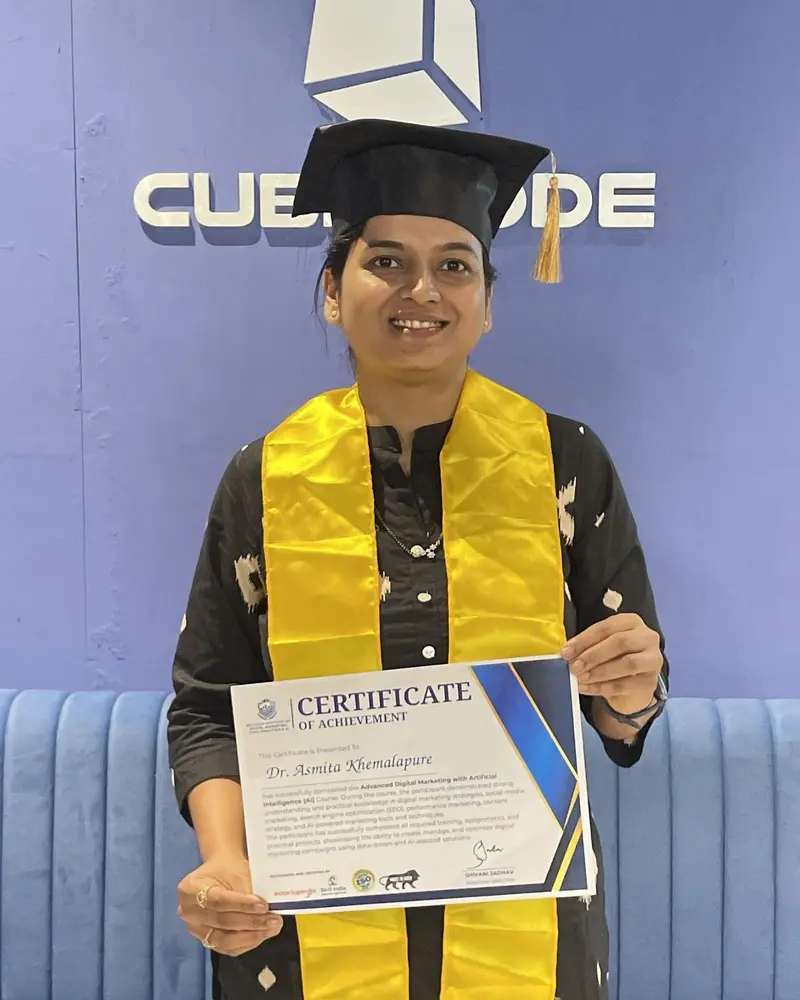
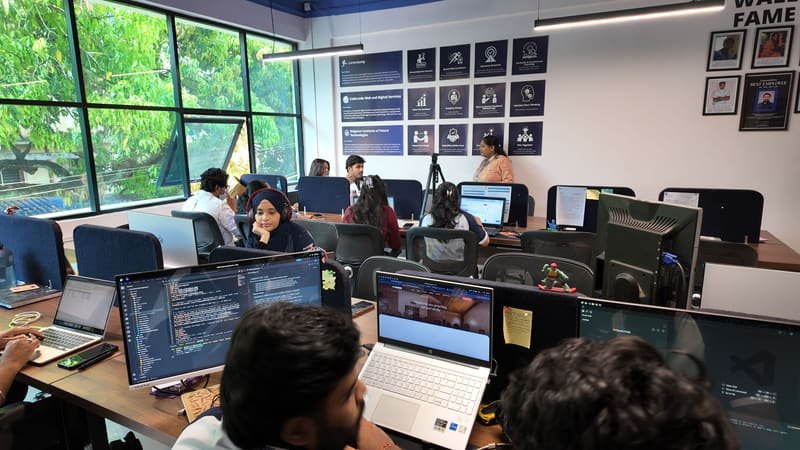
Explore moments from our classrooms, coding labs, student activities, collaborative sessions and everyday learning experiences at our campus.


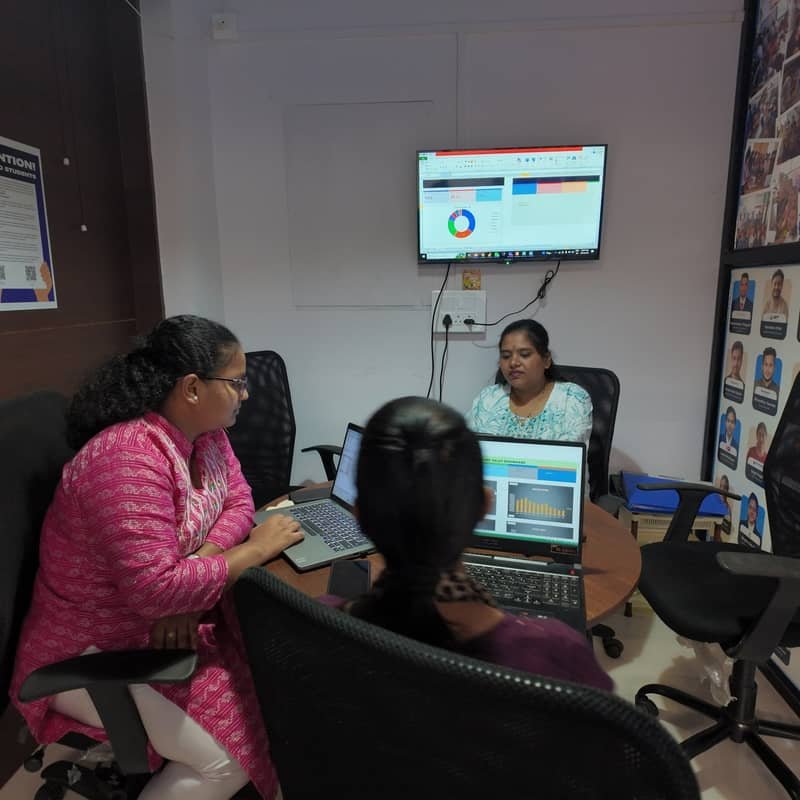


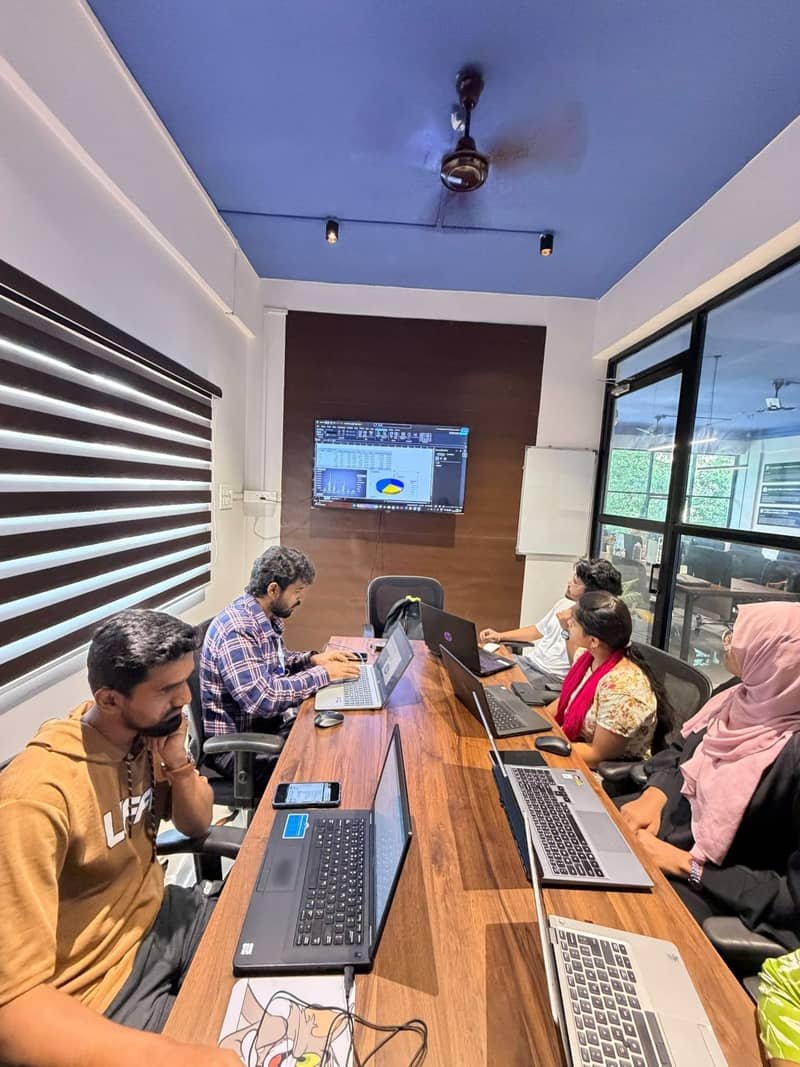
Small batches, real tools and people who are happy to be asked questions.
Placements
Explore the career journeys, the companies they've joined and how our industry-focused training helps students become job-ready professionals.

Packaged App Development Senior Analyst
Read genuine reviews from students about their training, mentors and learning experience at Belgaum Institute of Future Technologies.
I recently completed Data Analytics course at BIFT, and I'm extremely happy with the training. Now after the completion of my course I can say I'm proficient in Advanced Excel, Power BI, Tableau, Python, Sql. The course covered all the essential topics such as data cleaning, visualization, dashboard creation, and basic statistics. The faculty was very knowledgeable and always ready to clear doubts with real-world examples. The hands-on projects helped me understand how data analytics works in actual job scenarios. Thanks to their guidance and placement support I have secured a job.
Great Data Analytics course! It covered all key skills like SQL, Power BI, Python, data cleaning, and data visualization. The hands-on projects were practical and boosted my confidence in working with real datasets. Highly recommended for anyone starting a career in data analytics.
…The teaching is practical, industry-oriented, and easy to understand even for beginners. Loved the hands-on projects…
Great place for people who want to learn more about how to grow their business with the help of digital marketing or for people who want to start their career in Digital marketing. They run one partner company as well, so the advantage is that they show us case studies and sometimes we get practicals of doing live clients projects as well under the supervision of digital marketing experts. This helps us a lot and boosts up our confidence.
Before getting my son stepped in to BIFT, I and him hardly knew anything about the Digital Marketing. After being a part of this Institute he got the privilege to learn about each and every aspects of Digital Marketing from beginning till the end…
…experienced faculty with depth knowledge about digital marketing. I have studied in BIFT, Belagavi it’s a good place to learn many things about Digital Marketing with good faculties with experience and learn different aspects of Digital Marketing.
…I had a great experience in learning from this academy. the teaching methods used here are really great. I would like to recommend this institution to all who wants to pursue digital marketing
I am very happy to be a student of BIFT…
BIFT is The best digital marketing institute in Belgaum. I learned so many unique techniques . Faculty is so good and always helps students with any kind of query .
BIFT is the best institution in Belgaum to learn digital marketing. It is perfect for beginners. The trainer has great knowledge in the field
It was really a very good experience here at BIFT and I got well versed with all the digital marketing tools and techniques which will definitely help me in future to upgrade myself in this field. Good centre for digital marketing with affordable price
It’s the best institute for Digital Marketing The best teaching staff. Best quality education for digital marketing. We can learn various concepts regarding Digital Marketing. Best environment to study. Best opportunity for students who want to learn Digital Marketing.The staff is well trained and experiences.
I had a really great experience with the institute. The trainers are knowledgeable, supportive, and explain the concepts in a simple and practical way. I especially liked the hands-on approach, which made it easier to understand and apply what I was learning. The overall environment is friendly and comfortable for learning. I would definitely recommend this institute to anyone looking to build their skills in Data Analytics and related technologies.
My son pursued digital marketing with ai from BIDMDA and it has helped him a lot and we have also recommended a lot of our friends and family to pursue this course I will definitely rate them 10/10
Best data analytics course in Belgaum,power BI training. The trainer also showed how to build a dashboards using AI tools. Live projects on real datasets gave me confidence.Excel,SQL and Power BI were taught step by step.
I learn Data Analytics course with AI I learn step by step excel and powerBI. The traning was good I learn creating different Dashboards,charts and slides My work became easy and fast as they teach to work with AI. I learn python in detail and also with AI Make live projects and gain lots of knowledge which give me confidence.
Great place to learn digital marketing and data analytics with AI. The trainers are knowledgeable, the sessions are practical, and the curriculum is industry-focused. A good choice for anyone looking to build a career in digital marketing.
A great institute with knowledgeable trainers, a well-structured course curriculum, and a good learning environment. The course covers important topics like Excel, SQL, Python, and Power BI. Overall, a good place for anyone looking to develop skills in Data Analytics.
Data Analytics course in Belgaum. Easy to learn and very practical. The AI concepts were simple, useful, and well explained. Power BI training was practical and easy to understand. Excel was taught clearly with real examples. SQL classes were interactive and beginner-friendly. Python was explained from basics. DAX formulas were explained in a simple way. Learned to build attractive and interactive dashboards. AI tools improved my data analysis skills. One of the best Data Analytics institutes in Belgaum.
Best Institute in Belgaum for Data Analytics, it has helped my child a lot who’s studying in the final year of BBA. Would like to recommend everyone who wants to grow their career in Data Analytics
I recently completed the Data Analytics, Digital Marketing & Artificial Intelligence course at BIFT in Belagavi, and it was a great learning experience. As a student, I appreciated that the course focused on practical training rather than just theory. The trainers explained concepts clearly, and the hands on assignments, live projects, and case studies helped me build real skills.
Great learning experience in BIFT.The trainers explained AI Data Analytics concepts clearly, and the practical sessions were very helpful. I gained useful skills and would recommend this course to others.
The data analytics course in belgaum the content was good and covered important topics like Excel, SQL, Python, and Power BI. The trainers were helpful, but I felt that more practical projects and real-time case studies could have been included to improve learning
Excellent learning environment with knowledgeable trainers in Belgaum. The Data Analytics course is well-structured, and the practical sessions helped me improve my skills.
Best data analytics course in Belgaum.live learning with practical knowledge and projects. excel,power bi, python,sql and using AI smartly was covered in these course very excellently.
"A good institute for beginners, offering hands-on learning, live projects, and career-focused training in modern technologies." BIFT
Really good place to learn Data Analytics and Digital Marketing. The practical sessions were useful and helped me understand the concepts better. Highly recommended!
If you’re looking for a data analytics course with AI course integration, this is the best data analytics institute in Belgaum. The Excel for data analytics and Power BI course in Belgaum covered everything from scratch with hands-on dashboard development.
The team here is talented and committed to excellence. They communicate and train exceptionally well, add value to any team and would be an asset to any organisation.

Nehal MetgudView profile Nehal Metgud on LinkedIn (opens in a new tab)
Co-Owner at C M METGUD
C M Metgud · India
The trainers at Belgaum Institute of Future Technologies are hard to beat for digital marketing. Their knowledge covers every aspect of the field, and they pair it with excellent communication and teaching skills.

Shreya BhuteView profile Shreya Bhute on LinkedIn (opens in a new tab)
Content writing professional with hands-on experience in documenting research reports and blogs
Belgaum, Karnataka, India
I worked with the team at Belgaum Institute of Future Technologies on one of our projects. They are dedicated to their work and make sure it is completed on time. I have known them for over 5 years.

Sankalp JadhavView profile Sankalp Jadhav on LinkedIn (opens in a new tab)
Building large-scale distributed systems at Nike | Golang, Java | Kubernetes (CKA), Cloud (AWS, Azure) | Observability & SRE
Nike · Bengaluru, Karnataka, India
The trainers at Belgaum Institute of Future Technologies are great teachers with deep technical knowledge. They build a good relationship with their students, motivate them and guide them through their projects. It was a pleasure to work as an intern under them.

Chethan Kumar R EView profile Chethan Kumar R E on LinkedIn (opens in a new tab)
Senior XR SW (LowPower-AI) Engineer at Qualcomm | AR, VR, Multimedia Systems, Linux, Android, Video
Qualcomm · Bengaluru, Karnataka, India
Working at Belgaum Institute of Future Technologies was a great experience. The mentors stayed friendly throughout the internship. They are dedicated and self-motivated, make things happen and keep to timings and deadlines. Thank you.

Jayanth ApagundiView profile Jayanth Apagundi on LinkedIn (opens in a new tab)
Concordia University · Montreal, Quebec, Canada
The trainers at Belgaum Institute of Future Technologies are wonderful to work with, with real expertise in digital marketing, coaching and motivation. They are dedicated, self-motivated, patient and very capable. I look forward to working with them again.

Mujaheed SanadiView profile Mujaheed Sanadi on LinkedIn (opens in a new tab)
Social Media Manager | Videographer & Video Editor | Motion Graphics Creator
KLE Society's Lingaraj College, Belgaum
I worked at Belgaum Institute of Future Technologies as a digital marketing associate. The leaders here are a rare mix of productivity and ambition and set a great example for everyone, which is why people love working with them.

Abhishek MutagiView profile Abhishek Mutagi on LinkedIn (opens in a new tab)
Growth at Pocket FM | Performance Marketing | Programmatic Advertising | Account Management | Ad Tech
Pocket FM · Bengaluru, Karnataka, India
I did my internship under the trainers at Belgaum Institute of Future Technologies. They are great mentors, friendly with all their interns, and good at explaining concepts and making things happen. I loved my time there and also completed a project under their guidance.

Saideep NaikView profile Saideep Naik on LinkedIn (opens in a new tab)
Project Manager - Portfolio, Change and Control at bp | CSM | SAFe | ITIL V4
bp
The leadership at Belgaum Institute of Future Technologies is motivated, forward-thinking and intelligent, with great knowledge of their field. It was fantastic to work with them. Their hands-on approach to coaching and their motivational speaking earn respect, and they adapt easily to new working environments with a very positive attitude. As team members or team leaders, they have my highest recommendation.

Pooja NirakariView profile Pooja Nirakari on LinkedIn (opens in a new tab)
QE 2 at Keyloop | Ex-Junglee Games | Ex-Tek Systems
Keyloop · Bengaluru, Karnataka, India
The trainers at Belgaum Institute of Future Technologies are amazing professionals with a wide range of skills. They are creative and innovative, and excellent at guiding their digital marketing students. Keep up the good work, and all the best.

Pruthvi ItapeView profile Pruthvi Itape on LinkedIn (opens in a new tab)
Full Stack Marketer at QS Quacquarelli Symonds I-GAUGE | B2B SaaS | Ex-Anthology Inc. | MBA in Marketing
QS Quacquarelli Symonds · Bengaluru, Karnataka, India
The team at Belgaum Institute of Future Technologies has some of the most creative ideas in marketing and sales, and their business knowledge is remarkable. All the best for your future endeavours!

Yash JadhavView profile Yash Jadhav on LinkedIn (opens in a new tab)
Mechanical Design Engineer | Product Development | Innovation Management | MSc Design Leadership
Technische Hochschule Ingolstadt · Ingolstadt, Bavaria, Germany
Learning and working at Belgaum Institute of Future Technologies was a fun experience. The leaders here are great examples that everyone can learn from, and I look forward to working with them again.

Yash PatilView profile Yash Patil on LinkedIn (opens in a new tab)
Lead Engineer at Ittiam
Ittiam · Bengaluru, Karnataka, India
The team at Belgaum Institute of Future Technologies is wonderful to work with and has exceptional expertise in leadership, coaching and motivation. They are dedicated, self-motivated, methodical and very capable, with a very positive attitude towards work. They are reliable, forward-thinking leaders and inspiring team players too.

Shruti PatilView profile Shruti Patil on LinkedIn (opens in a new tab)
Senior Consultant at Cyderes | Ex-PwC | IAM | SailPoint IIQ/IDN | AWS Certified
Cyderes · Karnataka, India
The trainers at Belgaum Institute of Future Technologies are wonderful to work with, with exceptional expertise in leadership, coaching, motivation and mentoring, and a very positive attitude and dedication to their work. I was an intern there, where they mentored me, taught me new things and helped me build my career in web development. I will certainly return for future support. Thank you.

Vaibhav KulkarniView profile Vaibhav Kulkarni on LinkedIn (opens in a new tab)
AI Software Engineer III at Money Forward India | JavaScript | TypeScript | React.js | Python | FastAPI
Money Forward India · Pune District, Maharashtra, India
The trainers at Belgaum Institute of Future Technologies have vision. They trained and mentored me to become a certified digital marketer. They are self-motivated and down to earth, with excellent business sense, and the institute is a great place for shy people to sharpen their people skills.

Nagraj ChouguleView profile Nagraj Chougule on LinkedIn (opens in a new tab)
SaaS Product Specialist | Incident Management | Customer Support
Delhi, India
I was mentored by the trainers at Belgaum Institute of Future Technologies during my digital marketing course, and their guidance played a big part in my growth and success. They are knowledgeable, patient and supportive. Their practical insights and real-world examples helped bridge the gap between theory and practice, making the course content relevant and easy to apply.

Priyanka N CView profile Priyanka N C on LinkedIn (opens in a new tab)
Building WisdomCircle | Connecting Organisations to Industry Experts | Aerospace BD Professional
WisdomCircle · India
The trainers at Belgaum Institute of Future Technologies are excellent mentors who stay calm almost all the time, a key quality in a mentor. They appreciated and motivated me when I wanted to learn web development, which is why I approached them. Their way of teaching is modern and engaging, and it has been a pleasure to learn from them and their quality courses. Keep up the good work, and thank you for your support and everything I learnt.

Omkar AcharyaView profile Omkar Acharya on LinkedIn (opens in a new tab)
Senior Executive - Revenue Operations | Ex-PluralSight | Ex-Oracle
Evoke Technologies · Karnataka, India
I met the team at Belgaum Institute of Future Technologies while looking for a part-time job in my first year of college, and our conversations pushed me to grow. I learnt digital marketing there. They started early, blending traditional marketing methods with current digital tools and concepts, which makes their service and knowledge one of a kind. If you want to learn how to make it big from small beginnings, their journey is worth hearing.
Nitish SunagadView profile Nitish Sunagad on LinkedIn (opens in a new tab)
Data Analyst at Upskill Digital Academy
Upskill Digital Academy · Pune, Maharashtra, India
FAQ
Quick answers about courses, who can join, certificates and placement support. For anything else, such as fees or batch timings, send us an enquiry.
On completion you can generate your DevOps Engineering: CI/CD, Docker, Kubernetes and AWS certificate and become eligible for placement assistance if you meet both requirements:
Placement assistance is support with your job search: preparation, guidance and help reaching opportunities. It is not a guarantee of a job, an interview or a salary.
How placement assistance worksTalk to a learning advisor about the next batch, fees and timings, or read through the curriculum first.